How Can We Help?
Service activation in Leon Software
The passenger clearance and sanction list statuses are displayed directly in the Leon Software flight management interface. To activate the display of the statuses in Leon Software, you need to enable the service in your settings.
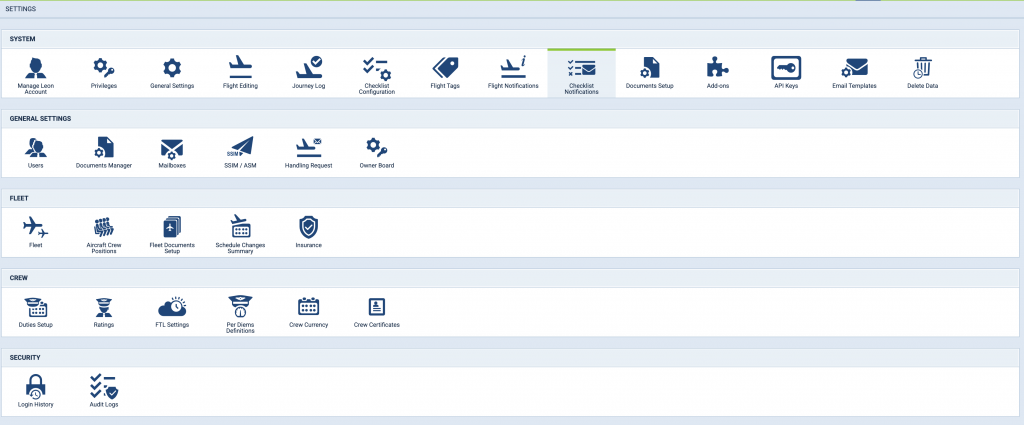
Go to settings in your account and select Checklist Notifications.
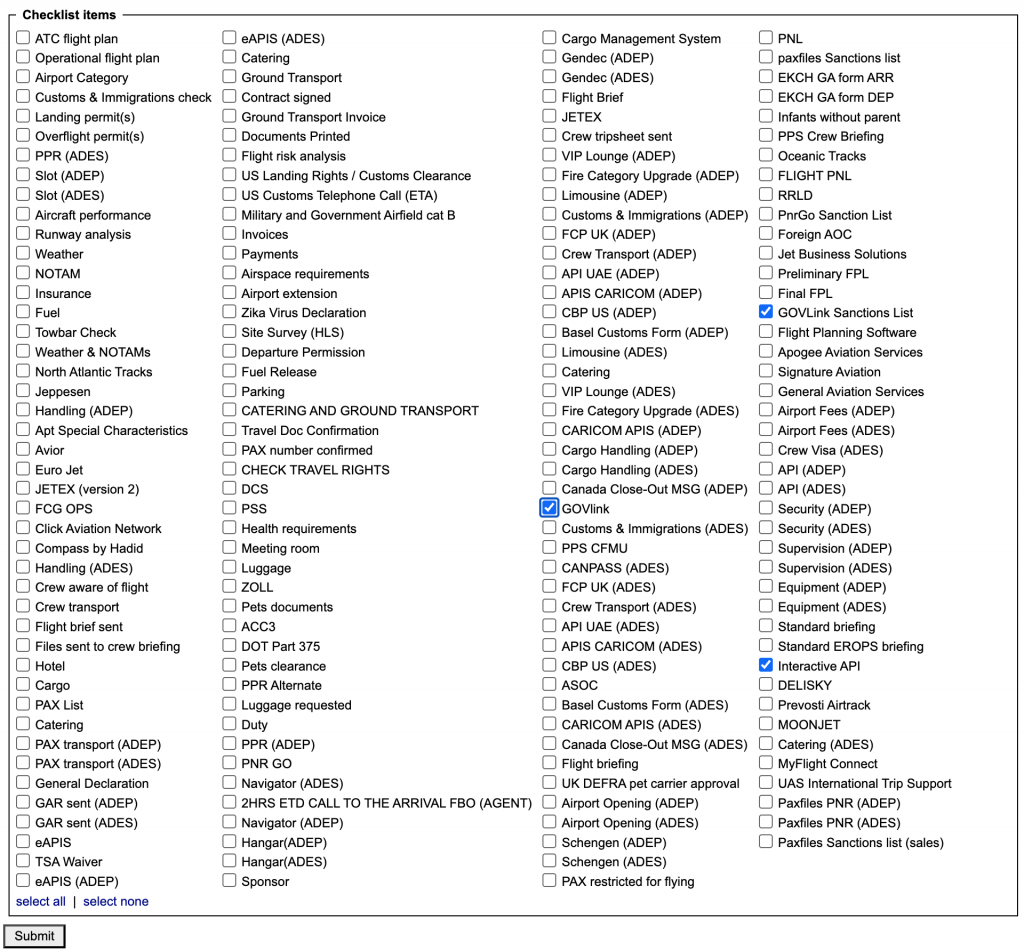
Check the services from the menu that you wish to activate. “Govlink” for API PNR transfers to state authorities, “Interactive API” for passenger clearance statuses (UK, UAE, Canada, eu-LISA) and “Govlink Sanctions List” for sanction list statuses.
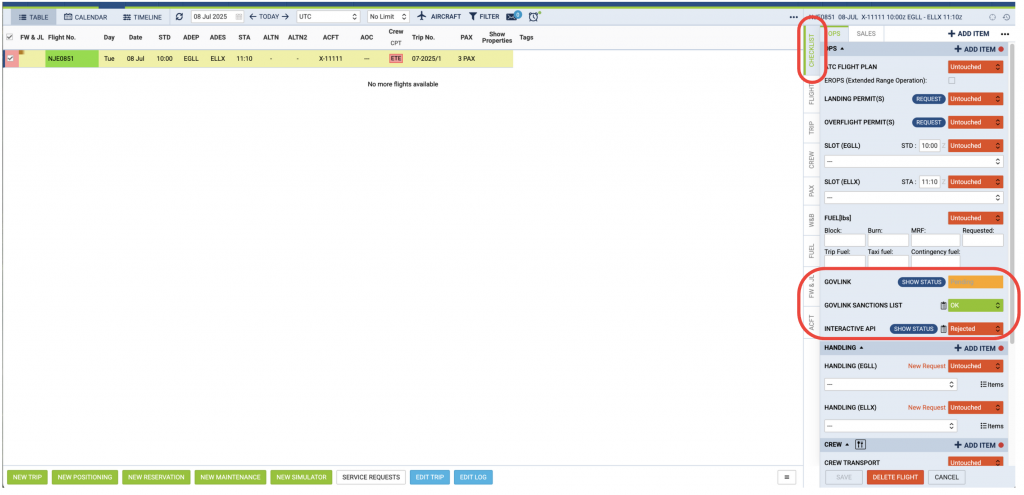
The services will be visible in the OPS tab under the Checklist view as seen below.